
AI Landscape Visualization for Pros: From Description to Render in 60 Seconds
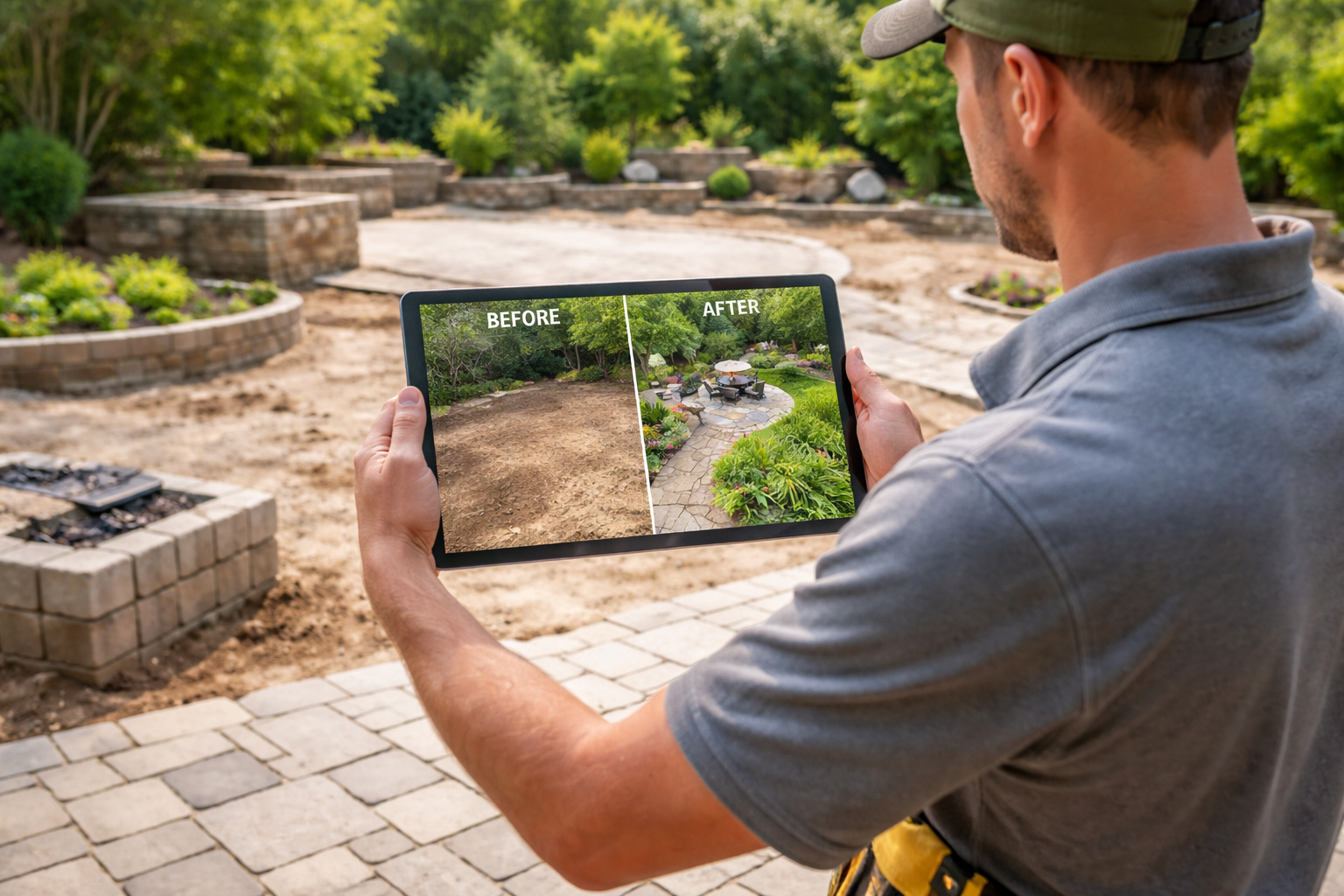
AI Landscape Visualization for Pros: From Description to Render in 60 Seconds
Creating landscape visualizations used to mean hours in SketchUp, expensive rendering software, or settling for hand-drawn sketches that don’t quite capture your vision.
For landscape designers presenting to clients, that’s a problem. You need visualizations that match your professional specifications - not a template that’s “close enough.”
Our new direct-description flow changes that. Upload a property photo, describe what you want, and get a photorealistic visualization in under 60 seconds. No template browsing. No endless customization menus. Just your specifications, visualized.
Quick Reference: When to Use Each Flow
| Scenario | Best Flow | Why |
|---|---|---|
| Client said “surprise me” | I Need Ideas | Browse templates for inspiration |
| You have detailed specs | I Know What I Want | Skip browsing, describe exactly what you want |
| Exploring 3+ design directions | I Know What I Want | Faster to describe variations than customize templates |
| First meeting with new client | I Need Ideas | Templates help clients articulate preferences |
| Presenting a specific proposal | I Know What I Want | Match your professional specifications exactly |
| Homeowner researching styles | I Need Ideas | Guided flow helps narrow options |
| Experienced DIYer with a plan | I Know What I Want | Skip hand-holding, execute your vision |
How the Direct-Description Flow Works
Step 1: Upload Your Property Photos
Start with photos of the property - front yard, backyard, or specific areas you’re designing. The AI uses these to understand existing conditions, lighting, and scale.
Step 2: Choose “I Know What I Want”
After upload, you’ll see two paths. Select the direct-description option to skip template browsing entirely.
Step 3: Describe Your Design
Enter your landscape description in plain language. Be as detailed or as general as you like - the AI adapts.
Step 4: Answer Clarifications (If Needed)
If your description needs a detail, we’ll ask one quick question. Most detailed descriptions skip this entirely.
Step 5: Get Your Visualization
The AI generates a photorealistic render based on your specifications and the property photos. Typically under 60 seconds.
15 Ready-to-Use Description Templates
Copy, modify, and use these descriptions as starting points. Each targets a specific design style that landscape professionals commonly specify.
Modern Minimalist
“Clean-lined modern landscape with architectural plants. Concrete pavers in a grid pattern, ornamental grasses in masses, single specimen olive tree as focal point. Gravel mulch in charcoal gray. No lawn. Low black metal edging throughout.”
Drought-Tolerant California
“Water-wise front yard with decomposed granite paths, native California plantings, and boulder accents. Salvias, lavender, and deer grass in purple and silver tones. Statement agave near entrance. Drip irrigation visible at grade. No turf.”
Traditional English Cottage
“Romantic cottage garden with meandering flagstone path, mixed perennial borders in soft pinks and purples, climbing roses on white arbor, boxwood hedging, and a small circular lawn. Informal, abundant planting style.”
Japanese-Inspired Courtyard
“Contemplative Japanese garden with raked gravel, stepping stone path, single specimen Japanese maple, moss groundcover, bamboo screening, and stone lantern. Minimalist, asymmetrical composition. Muted green palette.”
Mediterranean Villa
“Tuscan-inspired landscape with terracotta paver courtyard, Italian cypress flanking entrance, lavender borders, olive trees, terracotta pots with citrus, and a bubbling urn fountain. Warm earth tones throughout.”
Desert Contemporary
“Contemporary desert landscape with decomposed granite, geometric concrete planters, cacti and succulents in architectural groupings, cor-ten steel edging, and uplighting on specimen saguaro. Clean lines, warm neutrals.”
Pacific Northwest Native
“Naturalistic Pacific Northwest garden with native sword ferns, salal, vine maple, and Douglas fir. Moss-covered boulders, dry creek bed with river rock, and a winding bark mulch path. Lush, layered, woodland feel.”
Tropical Resort
“Lush tropical landscape with bird of paradise, elephant ears, palm varieties, and hibiscus. Flagstone patio with outdoor furniture, infinity-edge water feature, landscape lighting highlighting specimen palms. Resort-style luxury.”
Modern Farmhouse
“Modern farmhouse landscape with white picket fence sections, hydrangea borders, ornamental grasses, gravel driveway approach, metal raised garden beds, and mature shade trees. Clean but relaxed, white and green palette.”
Urban Rooftop
“Contemporary rooftop garden with composite decking, built-in planters with ornamental grasses and boxwood spheres, lounge seating area, string lights overhead, and wind-tolerant plantings. Modern, low-maintenance.”
Formal Estate
“Formal European-style garden with symmetrical layout, clipped boxwood parterre, gravel paths with stone edging, central fountain, pleached hornbeam allée, and white garden roses. Elegant, geometric, traditional.”
Low-Maintenance Modern
“Ultra low-maintenance landscape with artificial turf lawn, automated irrigation, evergreen shrubs in simple masses, concrete paver patio, and minimal color planting. Clean, easy-care, year-round green.”
Pollinator Paradise
“Pollinator-friendly garden with native wildflower meadow section, butterfly bush, coneflowers, milkweed, bee balm, and sedums. Natural stone pathway, bee hotel, small birdbath. Colorful, ecological, informal.”
Coastal Casual
“Relaxed coastal landscape with ornamental grasses swaying in breeze, driftwood accents, crushed shell paths, blue and silver plant palette, Adirondack seating area, and salt-tolerant plantings. Beachy, low-key, natural.”
Four-Season Interest
“Year-round interest garden with evergreen structure, spring bulbs, summer perennials, fall color from Japanese maple and ornamental grasses, winter berries and bark texture. Layered, dynamic, always interesting.”
Professional Terminology the AI Understands
The description flow recognizes professional landscape terminology. Use the specific language you’d put in construction documents:
Plant Terminology
- Botanical names (Quercus agrifolia, Lavandula angustifolia)
- Common cultivar names (‘Autumn Blaze’, ‘Bloodgood’, ‘Karl Foerster’)
- Size specifications (24" box, 5-gallon, 15-gallon)
- Planting styles (massings, drifts, specimens, hedging)
Hardscape Materials
- Paver types (travertine, bluestone, flagstone, concrete pavers)
- Specific products (Belgard, Tremron, natural cleft)
- Finishes (honed, tumbled, flamed, brushed)
- Patterns (herringbone, running bond, random ashlar)
Design Styles
- Historical references (Arts & Crafts, Mid-century, Victorian)
- Regional styles (Tuscan, Mediterranean, Southwestern, Pacific Northwest)
- Design movements (naturalistic, formal, contemporary, minimalist)
- Cultural influences (Japanese, English, French, Moorish)
Technical Terms
- Grading (swale, berm, grade transition)
- Drainage (French drain, dry creek, permeable)
- Irrigation (drip, spray, bubbler)
- Lighting (uplighting, path lights, moonlighting)
Writing Better Descriptions: A Framework
For consistent results, structure your descriptions using this framework:
The 5-Part Description Formula
-
Style/Mood - Overall design direction
- “Contemporary minimalist…” or “Romantic cottage…”
-
Hardscape - Paths, patios, structures
- “…with bluestone paver patio, gravel paths…”
-
Softscape - Plants and planting style
- “…masses of ornamental grasses, perennial borders…”
-
Focal Points - Specimens and features
- “…specimen olive tree, bubbling boulder fountain…”
-
Constraints - What to avoid
- “…no lawn, low water, deer resistant.”
Example Using the Framework
Style: “Modern drought-tolerant front yard Hardscape: with decomposed granite paths and concrete stepping stones, Softscape: native grasses and salvias in purple drifts, Focal Point: single multi-trunk palo verde as specimen, Constraints: no irrigation visible, no lawn, all plantings under 3 feet except specimen tree.”
Real Workflow Scenarios
Scenario 1: Initial Client Consultation
The situation: First meeting with a client. They’ve sent you photos and have a vague idea (“something modern, low maintenance”).
The workflow:
- Before the meeting, generate 3-4 visualizations using different descriptions
- Use variations: “modern minimalist,” “modern with color,” “modern naturalistic”
- Present options to help client articulate preferences
- Refine based on feedback in real-time during meeting
Time investment: 15 minutes of prep instead of 2+ hours
Scenario 2: Design-Build Proposal
The situation: You’ve completed the design and need a visualization for the proposal document.
The workflow:
- Write description matching your actual specifications
- Include specific materials and plants from your plan
- Generate visualization
- Add to proposal alongside your drawings and estimate
Result: Professional visual that matches your specifications exactly
Scenario 3: Contractor Pre-Bid Visualization
The situation: Contractor bidding on a project needs to show the homeowner what they’re proposing.
The workflow:
- Describe the scope in plain language
- Generate visualization to include with estimate
- Stand out from competitors with no-cost visual
Competitive advantage: Visualizations typically cost $500+ from rendering services
Scenario 4: Design Iteration with Client
The situation: Client likes the direction but wants to see variations.
The workflow:
- Modify your original description
- “Same as before, but swap Japanese maple for crepe myrtle”
- Generate new visualization in 60 seconds
- Compare side-by-side with client
Why it matters: Changes that used to take hours now take seconds
Time and Cost Comparison
| Method | Time per Visualization | Cost | Learning Curve |
|---|---|---|---|
| SketchUp + Lumion | 4-8 hours | Software: $500-2,000/year | Steep |
| Outsourced rendering | 2-5 days turnaround | $200-500 per image | None (but slow) |
| Hand sketch | 1-2 hours | Free | Requires skill |
| Stock photo mockup | 30-60 minutes | $50-200/image | Moderate |
| YardRevision Direct Flow | Under 60 seconds | Included in subscription | Minimal |
Tips for Specific Project Types
Front Yard Curb Appeal
- Mention the architectural style of the house for cohesion
- Include the driveway and walkway materials
- Specify foundation planting style (formal vs. naturalistic)
- Note if street trees or existing mature plants should remain
Backyard Living Spaces
- Describe distinct zones (dining, lounging, play, garden)
- Specify furniture style if showing outdoor living
- Include privacy screening if relevant
- Mention lighting for evening ambiance
Pool Landscapes
- Describe deck material and extent
- Specify planting style around pool (lush vs. minimal)
- Include shade structures if desired
- Note any water features beyond the pool
Slopes and Challenging Sites
- Describe retaining wall materials and style
- Specify how levels connect (stairs, ramps, planted slopes)
- Mention erosion control plantings if relevant
- Include drainage features as visual elements
Frequently Asked Questions
How detailed does my description need to be?
Start with 2-3 sentences covering style, key materials, and main plants. Add detail if results need refinement. The AI is surprisingly good at interpreting brief descriptions - you can always add specificity in follow-up generations.
Can I specify exact plant species?
Yes. Use botanical names, common names, or cultivar names. The AI recognizes most landscape plants and will represent them accurately. If a specific cultivar isn’t recognized, it will default to the species appearance.
What if the visualization isn’t quite right?
Refine your description and regenerate. Common fixes: add “no lawn” if lawn appeared unwanted, specify “existing trees remain” if mature trees disappeared, add material colors if defaults weren’t right.
Can I use this for commercial projects?
Absolutely. The flow works for any property type - residential, commercial, HOA common areas, municipal projects. Just describe the context in your description if it’s relevant to the design.
How does this compare to traditional rendering software?
It’s not a replacement for detailed construction documents or technical drawings. It’s a visualization tool for concepts, client communication, and design exploration. Think of it as the fastest path from idea to image.
Can I download and use the visualizations in proposals?
Yes. Generated visualizations can be downloaded and used in your professional materials - proposals, presentations, social media, and marketing.
Does it work with any property photo?
Best results come from clear, well-lit photos showing the area you want to design. The AI needs to understand the existing space to generate realistic transformations.
Try the Direct-Description Flow
Ready to skip the templates and go straight from specifications to visualization?
Start Your First Visualization
The direct-description flow is available now for all YardRevision users. Upload your property photo, choose “I Know What I Want,” and see your design come to life in under a minute.
For Landscape Design Firms
If you’re evaluating YardRevision for your team, we’d love to discuss how the platform can fit your workflow. We offer team accounts with shared assets and volume pricing for design firms generating multiple visualizations per week.
Contact us: hello@yardrevision.com
This feature was developed in collaboration with landscape designers who told us: “I don’t need inspiration, I need execution.” We listened. If you have feedback on how we can make YardRevision more useful for professionals, we want to hear it.